Estimated Reading Time: 5 minutes
A practical guide to protecting your data across servers, devices, and the cloud
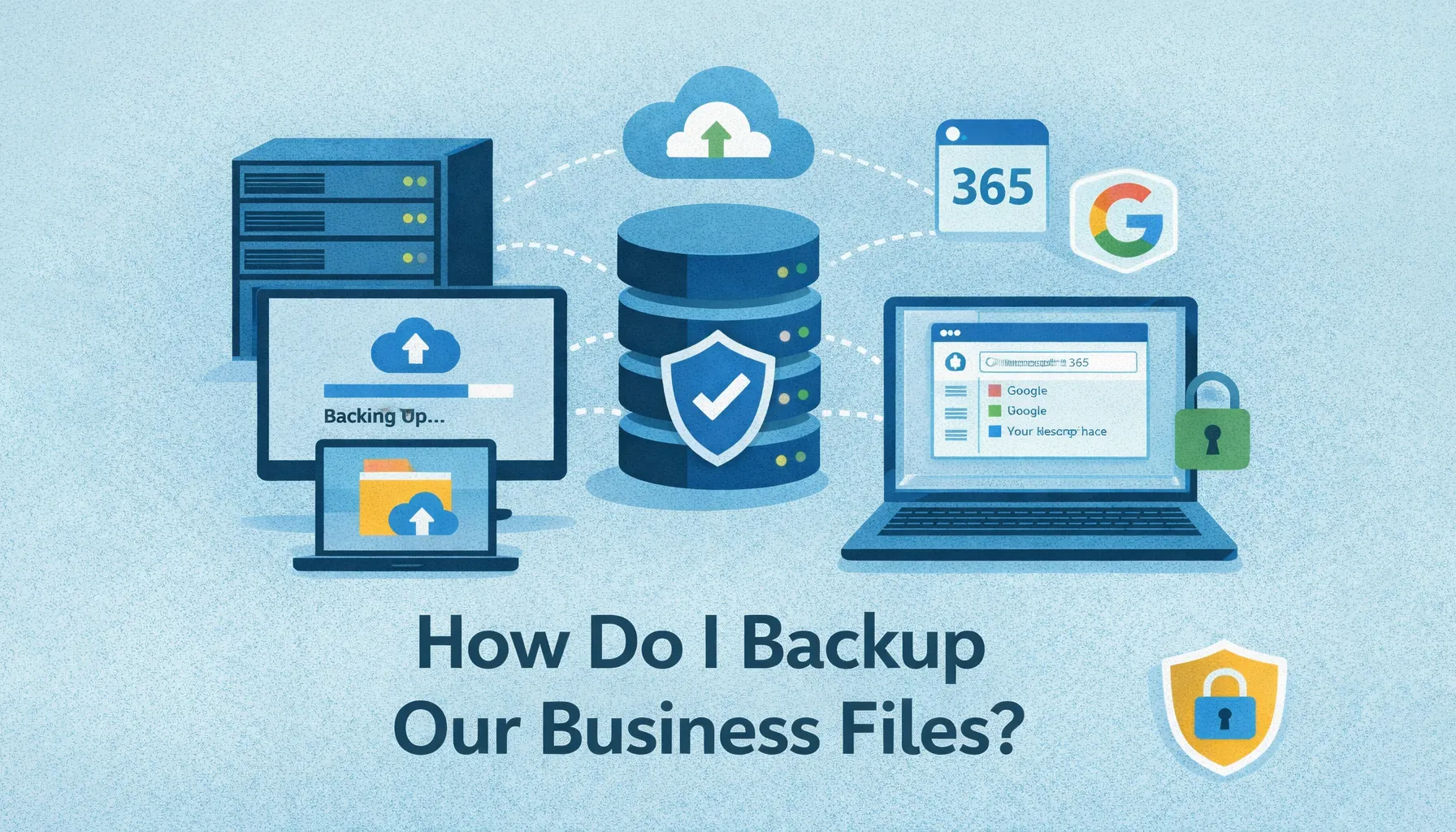
As a UK-based MSP supporting small and medium-sized businesses, we see first-hand how critical it is to keep business data safe, secure, and recoverable. Whether your files live on servers, staff laptops, or cloud platforms like Microsoft 365 and Google Workspace, a reliable backup strategy is essential.
Backups protect your business against hardware failure, ransomware, accidental deletion, and human error - and without them, recovery can be slow, costly, or impossible.
Why Backups Matter
Backups are your safety net. They ensure that if something goes wrong, you can restore your data quickly and minimise disruption. For modern businesses that rely heavily on technology, backups aren’t optional - they’re critical to business continuity.
Backing Up Servers
Servers typically hold your most critical and sensitive data, making them a top priority for backups.
- Use image-based backups to capture the entire system, including the operating system, applications, and data.
- Schedule daily or hourly backups, depending on how often your data changes.
- Store backups offsite or in the cloud to protect against fire, theft, or hardware failure.
- Test restores regularly to ensure backups are usable when needed.
For virtual servers, backup solutions that integrate with platforms like VMware or Hyper-V allow efficient snapshots and rapid recovery.
Backing Up Workstations
Although servers are central, staff computers often contain vital documents and project files.
- Automated file backups protect Documents, Desktop, and key folders.
- Folder redirection to a central server or cloud storage simplifies management.
- Endpoint backup solutions offer version history and remote restores - ideal for hybrid and remote teams.
Backing Up Microsoft 365
A common misconception is that Microsoft 365 automatically backs up your data. In reality, Microsoft provides redundancy - not backup.
- Emails, OneDrive, SharePoint, and Teams data require third-party backups.
- Look for granular restore options and long-term retention.
- Ensure backups meet UK or EU data residency and compliance requirements.
Backing Up Google Workspace
Google Workspace also needs its own dedicated backup strategy.
- Protect Gmail, Drive, Calendar, Contacts, and Shared Drives.
- Use point-in-time recovery and searchable archives.
- Align retention policies with your industry’s compliance requirements.
Backing Up Other SaaS Applications
CRMs, finance platforms, and other SaaS tools often store business-critical data - but that doesn’t always mean it’s backed up.
- Review the vendor’s retention and recovery policies.
- Use API-based backup tools where available.
- For niche systems, schedule secure exports or data dumps.
Best Practices for Backup Success
- Follow the 3-2-1 rule: three copies, two media types, one offsite.
- Encrypt backups to protect sensitive data.
- Monitor backup jobs and configure failure alerts.
- Ensure offsite backups are air-gapped.
- Document your backup strategy and test recovery procedures.
Protecting Offsite Backups from Ransomware
One of the most overlooked risks is ransomware infecting backup systems themselves.
- Immutable storage prevents deletion or modification for a fixed period.
- Segment backup infrastructure from production systems.
- Enable MFA on backup platforms and cloud storage.
- Monitor for suspicious activity such as mass deletions.
- Regularly test restores to confirm backups are clean.
Frequently Asked Questions
Is cloud storage the same as a backup?
No. Cloud storage like OneDrive or Google Drive syncs data, but doesn’t protect against deletion, corruption, or ransomware. Backups provide independent recovery points.
How often should business data be backed up?
This depends on how frequently data changes. Many businesses back up daily, while critical systems may require hourly backups.
Do Microsoft 365 and Google Workspace include backups?
No. Both platforms provide redundancy, not full backup. Third-party solutions are required for true data protection.
What is immutable backup storage?
Immutable backups cannot be altered or deleted for a set period, protecting them from ransomware or accidental deletion.
How often should backups be tested?
At least quarterly - and after any major system change - to ensure data can be restored successfully.
Protect Your Business Data with Confidence
At Telanova, we help businesses across Wokingham, Ascot, Bracknell, Reading, and the wider Berkshire region design backup strategies that actually work.
Whether you need to review your current setup or implement a fully managed backup and recovery solution, we’re here to help.
Learn more about our IT support services or call 01344 989 530 to get started.