
Estimated reading time: 5 minutes
When everything is working as it should, it’s easy to assume it always will. But power outages, cyber incidents, hardware failure, human error, and even the loss of a key supplier can bring a small business to a standstill far more quickly than many expect.
A disaster recovery plan isn’t about expecting the worst every day; it’s about being ready to respond calmly and effectively if something does go wrong.
For small and medium-sized businesses, the key is keeping things practical. A good disaster recovery plan should be clear, realistic, and aligned with how your business actually operates, not a thick document that never gets looked at.
Why Disaster Recovery Matters for Small Businesses
Many small businesses assume disaster recovery is only relevant to large organisations. In reality, smaller businesses are often more vulnerable because they have fewer resources, less redundancy and greater reliance on key systems and individuals.
A cyber attack, hardware failure or prolonged outage can quickly disrupt operations, affect customer service and result in lost revenue.
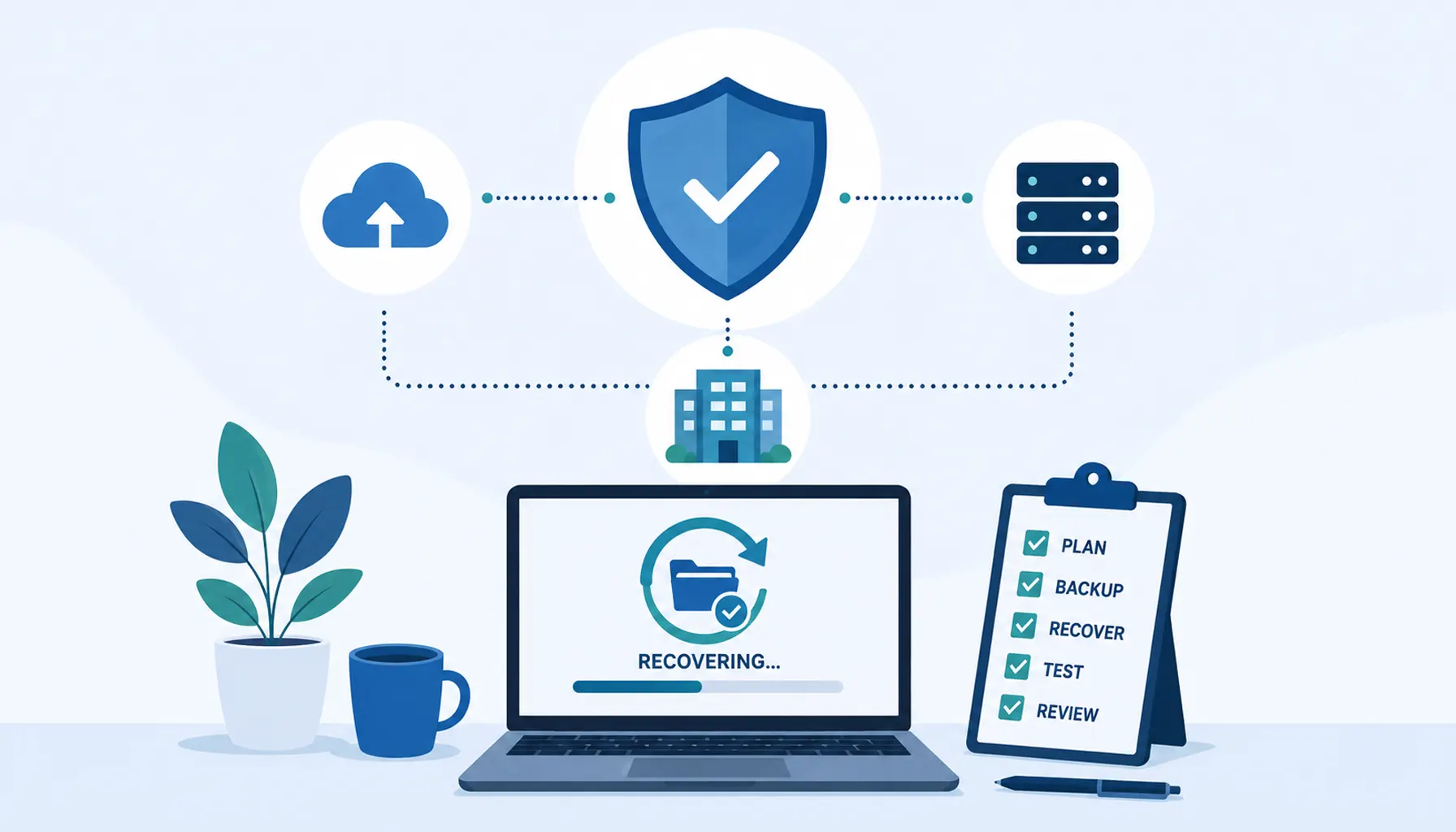
Having a documented recovery plan helps businesses respond more effectively, minimise downtime and reduce the impact of unexpected events.
Start with What Really Matters
The first step is understanding which parts of your business you simply cannot operate without.
This will differ from one organisation to another, but typically includes:
- Core systems such as email, file storage, line-of-business applications and accounting software
- Key data that would cause serious disruption or compliance issues if lost
- People or roles that are critical to day-to-day operations
- External dependencies such as internet connectivity, cloud services or third-party platforms
By identifying these essentials, you can focus your recovery planning where it will have the biggest impact rather than trying to protect everything equally.
Understand the Risks You're Planning For
Disaster recovery isn’t just about fires or floods. For most small businesses, the more likely scenarios include:
- Ransomware or other cyber attacks
- Accidental deletion or data corruption
- Hardware failure or ageing equipment
- Power or internet outages
- Loss of access to premises
- Supplier or cloud service disruption
You don’t need to predict every possible event in detail. Instead, think in terms of broad scenarios and how they would affect your ability to work.
Set Realistic Recovery Expectations
Two important concepts help shape a workable plan:
- Recovery Time Objective (RTO) – How quickly systems need to be back online.
- Recovery Point Objective (RPO) – How much data loss is acceptable.
Some services may be business critical within hours, while others can wait longer. Losing a few minutes of data may be tolerable; losing several days may not be.
These decisions help guide backup frequency, recovery methods and the level of investment required. For small businesses, the aim is usually balance: reducing risk to an acceptable level without over-engineering the solution.
Make Sure Your Backups Support Recovery
Having backups is essential, but not all backups are equal.
A solid disaster recovery plan considers:
- Where backups are stored (on-site, off-site or cloud)
- Whether backups are protected from ransomware
- How quickly data can be restored
- Whether critical systems can be recovered in the correct order
Backups should be monitored, tested and documented. A backup that hasn’t been tested is an assumption, not a guarantee.
Document Clear Recovery Steps
In the middle of an incident is not the time to work things out from scratch.
Your plan should clearly outline:
- Who is responsible for declaring a disaster and starting recovery
- Who needs to be contacted internally and externally
- The order in which systems should be restored
- Any temporary workarounds staff may need to use
- Where key information, credentials and documentation are stored securely
This doesn’t need to be overly technical. Clear, plain-English steps are far more valuable than complex diagrams that only one person understands.
Plan for People, Not Just Technology
Technology recovery is only part of the picture.
Consider how your team will continue working during an incident:
- Can staff work remotely if the office is unavailable?
- Do they know how to access systems during a disruption?
- Is there a clear communication plan if email or phones are affected?
A disaster recovery plan should support people as much as systems, helping everyone understand what to do and where to get updates.
Test, Review and Improve
A plan that’s never tested is unlikely to work as expected.
Testing doesn’t have to be disruptive or expensive. Even a simple walkthrough or tabletop exercise can highlight gaps, outdated assumptions or missing information.
Your business will change over time, so your disaster recovery plan should too. New systems, new staff and new risks all need to be reflected to keep the plan relevant and reliable.
Keep It Practical and Accessible
The most effective disaster recovery plans are the ones people can actually use.
Keep documentation accessible, avoid unnecessary jargon and focus on decisions and actions rather than theory. For small businesses especially, simplicity and clarity are strengths.
Building a disaster recovery plan isn’t about fear; it’s about confidence. Knowing that you can recover quickly and safely if something unexpected happens allows you to focus on running and growing your business rather than worrying about what might go wrong.
Frequently Asked Questions
What is a disaster recovery plan?
A disaster recovery plan is a documented set of procedures that helps a business recover critical systems, data and operations after an unexpected disruption such as a cyber attack, hardware failure or power outage.
What is the difference between disaster recovery and business continuity?
Disaster recovery focuses on restoring systems and data after an incident. Business continuity focuses on keeping the business operating during and after a disruption.
How often should a disaster recovery plan be tested?
Most businesses should review and test their disaster recovery plan at least annually or whenever significant changes are made to systems, infrastructure or staffing.
Are cloud services automatically protected by disaster recovery plans?
Not necessarily. While cloud providers offer resilience, businesses are still responsible for protecting their own data, access controls and recovery procedures.
How often should backups be tested?
Backups should be tested regularly to confirm that data can be restored successfully and within the required recovery timeframe.
Need Help Building a Disaster Recovery Plan?
Creating a disaster recovery plan can feel overwhelming, especially for growing businesses that rely on multiple systems, cloud services and suppliers.
At Telanova, we help businesses across Wokingham, Ascot, Bracknell, Reading and Berkshire improve resilience through practical disaster recovery planning, backup solutions, cyber security measures and business continuity strategies.
Whether you're reviewing your existing recovery procedures or creating a plan for the first time, we can help you identify risks, protect critical systems and reduce downtime.
Call 01344 989 530 or contact Telanova to discuss your disaster recovery and business continuity requirements.
About Telanova
Telanova provides business IT support, networking, connectivity and communication solutions to organisations across the UK. Our team helps businesses improve performance, reliability and security through practical technology solutions.