Estimated reading time: 6 minutes
Microsoft 365 can be a huge advantage for small and medium-sized businesses - but only when it’s set up properly, kept secure, and maintained over time. Without ongoing care, Teams can become messy, SharePoint permissions can drift, OneDrive sync issues can frustrate staff, and security gaps can quietly appear.
At Telanova, we support Microsoft 365 in a way that keeps it reliable, secure, and easy for your team to use. We work as an extension of your business, combining proactive monitoring with friendly day-to-day support, so Microsoft 365 helps your team work better - rather than becoming another thing to manage.
Why Ongoing Microsoft 365 Support Matters
Microsoft 365 isn’t a “set it and forget it” platform. New security features roll out, policies change, staff join and leave, devices get replaced, and business needs evolve. Without regular review and management, the environment can slowly become harder to use and riskier to run.
Our goal is simple: keep Microsoft 365 secure, consistent, and easy for users, while making sure it supports your operations and growth.
Microsoft Teams: Keeping Collaboration Seamless
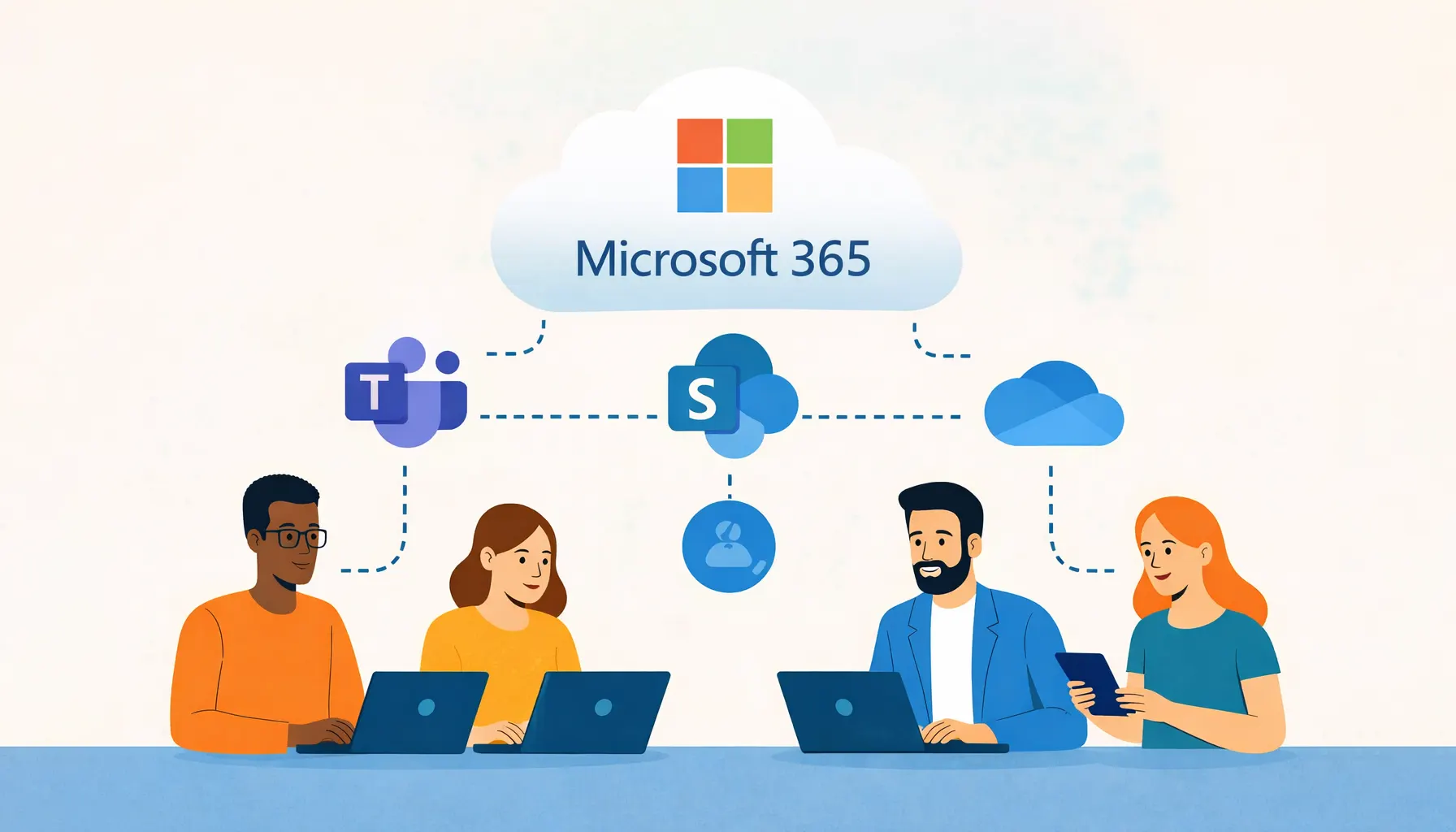
Teams is often the day-to-day hub for chat, meetings, file access, and collaboration. We help clients get Teams structured properly and running smoothly.
Setup & Configuration
- We design Teams around how you work: departments, projects, locations, and client collaboration.
- We configure channels, settings, and access rules to avoid clutter and keep information easy to find.
Security & Compliance
- Multi-factor authentication (MFA) and conditional access support.
- Guest access controls and safe external sharing (so collaboration doesn’t create risk).
- Practical policies that protect data without making Teams painful to use.
Training & Adoption
- User-friendly guidance and short training sessions so your team feels confident.
- We reduce confusion around meetings, channels, file storage, and notifications.
Ongoing Support
- Help with meeting issues, call quality, access problems, and Teams quirks.
- We resolve issues quickly and aim to prevent repeat problems by fixing root causes.
SharePoint: Organising Information Intelligently
SharePoint is brilliant for shared documents, intranets, and structured information - but it needs planning. We help clients build SharePoint environments that are secure, organised, and practical for everyday use.
Site Architecture & Permissions
- We design SharePoint sites and libraries that reflect your business structure.
- We implement sensible permission models to reduce risk and avoid “everyone has access to everything” problems.
Automation & Workflows
- We build Power Automate flows for approvals, notifications, and document handling.
- We streamline repetitive processes so work moves faster with fewer errors.
Migrations & Integrations
- Smooth migration from file servers, legacy systems, or other cloud platforms.
- Minimal disruption and clear structure so staff can actually find what they need.
Maintenance & Governance
- Regular reviews to keep SharePoint tidy, secure, and aligned with best practice.
- We help prevent content sprawl and permission drift over time.
OneDrive: Personal Storage with Enterprise Control
OneDrive is often the simplest win for staff productivity - but sync issues and uncontrolled sharing can cause frustration and risk. We keep OneDrive reliable and controlled.
Deployment & Sync Management
- We configure OneDrive across devices, including known folder move (Desktop/Documents) where appropriate.
- We resolve sync errors and help users understand how OneDrive works day-to-day.
Protection & Recovery
- Versioning and retention policies to protect against accidental deletion.
- Practical safeguards to reduce ransomware impact and support recovery.
Support & Troubleshooting
- Fixing sync issues, sharing problems, and access requests.
- Ensuring staff can work from anywhere without losing files or time.
Ongoing Administration & Maintenance
Beyond the individual apps, we keep your wider Microsoft 365 environment healthy and secure with ongoing admin and maintenance.
- Monitoring & Alerts: We monitor service health, usage trends, and security signals to catch issues early.
- User Management: Onboarding, offboarding, access changes, and licence management.
- Security Reviews: Regular checks of MFA, conditional access, sharing controls, and security configuration.
- Change Management: We keep you informed about key platform changes and help your team adapt smoothly.
Future-Focused, Conscientious, and Quality-Driven
We stay current with Microsoft training and best practices so we can recommend improvements that make sense for SMEs - not just enterprise theory.
We’re also proactive by design: spotting risks, tightening controls, and reducing disruption before it affects your business. Every configuration, policy, and support request is handled with care because reliability and trust matter.
Frequently Asked Questions
Do we really need ongoing Microsoft 365 support?
For most businesses, yes. Microsoft 365 changes regularly, staff and devices change, and security requirements evolve. Ongoing support helps keep your environment secure, organised, and easy for users.
Can you help us organise SharePoint properly?
Yes. We can design a structure that matches your departments and workflows, set sensible permissions, and help migrate content so it’s easy for staff to find and share documents safely.
Is OneDrive a backup?
Not on its own. OneDrive includes versioning and retention features, but many businesses still need additional controls and backup planning to protect against ransomware, accidental deletion, and compliance requirements.
Do you support guest access and external collaboration in Teams?
Yes. We can configure guest access safely, set sharing rules, and help you collaborate with clients and partners without exposing sensitive data.
Can you manage Microsoft 365 if we don’t have in-house IT?
Absolutely. Many of our clients don’t have internal IT staff. We act as your Microsoft 365 partner - keeping things secure, supporting users, and making sure the platform supports your business.
Need Help Managing Microsoft 365?
At Telanova, we help businesses across Wokingham, Ascot, Bracknell, Reading, and the wider Berkshire region get more value from Microsoft 365 - with the right structure, the right security, and the right ongoing support.
If you want Teams to run smoothly, SharePoint to stay organised, and OneDrive to be reliable for staff, we’re happy to advise.
Explore our IT support services or call 01344 989 530 to speak with our team.