Estimated reading time: 5 minutes
For small and medium-sized businesses, choosing the right productivity suite is an important decision. The tools your team uses every day influence how you collaborate, communicate, and work securely.
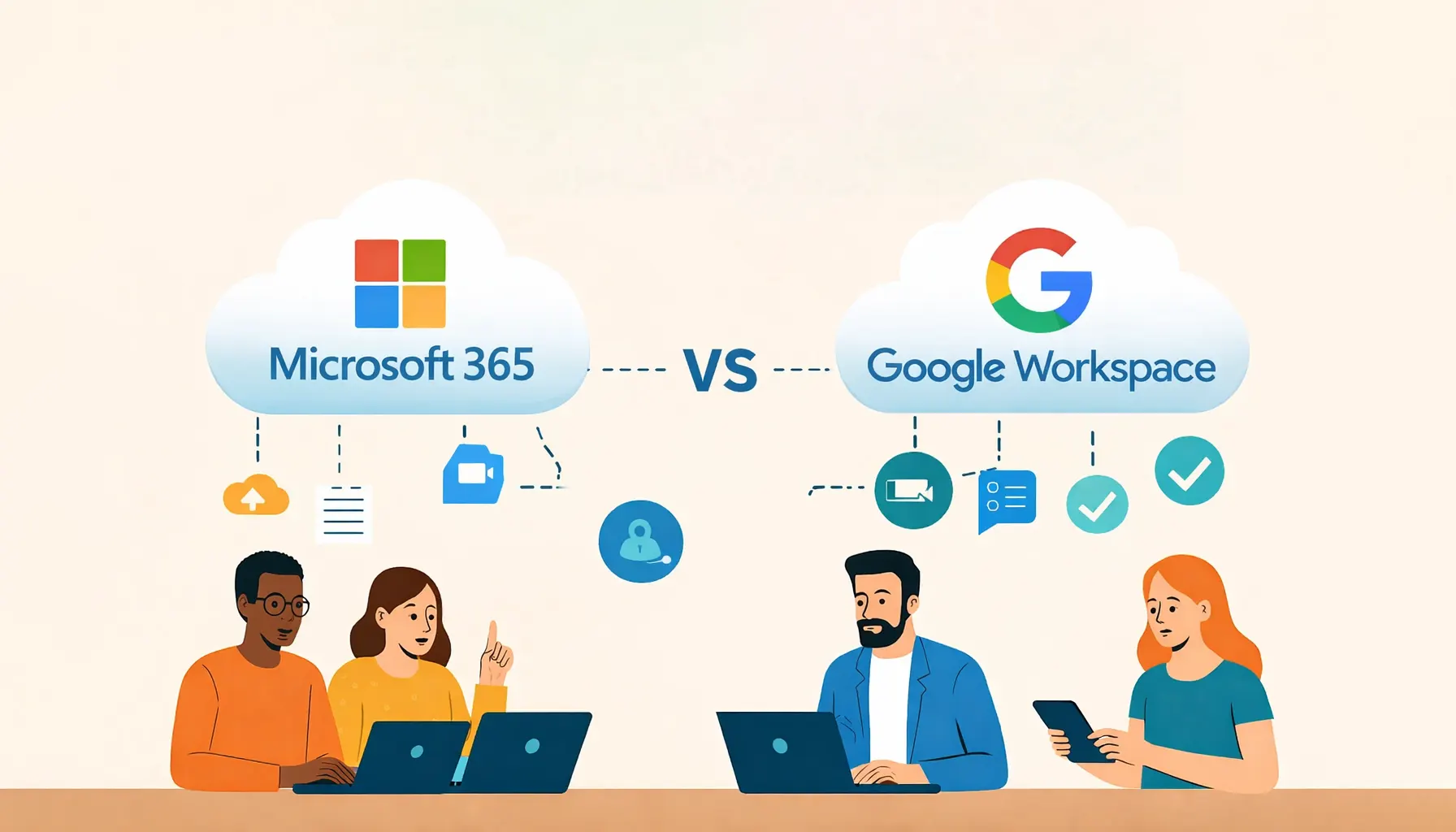
Microsoft 365 and Google Workspace are the two leading platforms, each offering email, file storage, document creation, and collaboration tools. While they aim to solve similar problems, their approach, features, and ideal use cases differ.
This guide breaks down the key differences to help you decide which platform best suits your business.
Overview of the Platforms
Both Microsoft 365 and Google Workspace are cloud-based productivity suites, but they’re built with different working styles in mind.
- Microsoft 365 includes Word, Excel, PowerPoint, Outlook, Teams, OneDrive, and SharePoint, with both desktop and web-based versions available.
- Google Workspace focuses on browser-based tools such as Gmail, Google Docs, Sheets, Slides, Drive, Meet, and Chat.
The choice often comes down to how your team prefers to work: desktop applications with deep functionality, or lightweight, browser-first collaboration.
User Experience & Interface
Microsoft 365 benefits from decades of widespread use. Many employees are already familiar with Word, Excel, and Outlook, making adoption straightforward.
Desktop applications offer advanced functionality, particularly valuable for industries such as finance, legal, engineering, and professional services.
Google Workspace is designed for simplicity and real-time collaboration. Its clean interface, automatic saving, and built-in version history make it easy for teams to work together without worrying about file versions or manual saves.
Collaboration & Communication
Both platforms support file sharing and co-authoring, but their collaboration tools work differently.
- Microsoft 365: Microsoft Teams acts as a central hub for meetings, chat, and file collaboration, with SharePoint and OneDrive providing structured file storage and permissions.
- Google Workspace: Google Meet and Chat integrate directly into Docs, Sheets, and Slides, allowing instant collaboration directly within documents.
Google Workspace often feels faster for real-time collaboration, while Microsoft 365 offers more control and structure for larger or regulated teams.
Pricing & Scalability
Both platforms offer tiered pricing designed for small and medium-sized businesses.
Microsoft plans typically include desktop applications, making them suitable for teams that rely heavily on Excel or Outlook. Google Workspace plans focus on browser-based tools, which can be ideal for remote or mobile-first teams.
When comparing costs, it’s important to consider how your team actually works day-to-day rather than just the headline price.
Security & Compliance
Security and compliance are critical considerations for UK businesses.
Both Microsoft 365 and Google Workspace provide enterprise-grade security, including multi-factor authentication, data encryption, and granular access controls.
Microsoft is often favoured by organisations with complex compliance requirements, such as GDPR, ISO27001, or industry-specific regulations, due to its extensive administrative controls across Exchange, SharePoint, and Teams.
Google Workspace also meets major UK and EU compliance standards and appeals to businesses looking for a simple, cloud-first security model with minimal administration overhead.
Integration & Ecosystem
Microsoft 365 integrates deeply with a wide range of business systems, including CRM, ERP, and legacy applications. This makes it well suited to organisations with existing infrastructure or advanced automation needs.
Google Workspace offers strong APIs and integrates easily with modern cloud applications. Startups and digital agencies often value the flexibility and ease of connecting Workspace to third-party tools.
Which Platform Suits Different Businesses?
- Finance or professional services firms often choose Microsoft 365 for Excel’s advanced capabilities, Outlook’s scheduling, and compliance controls.
- Creative agencies frequently prefer Google Workspace for fast collaboration and simplicity.
- Retail SMEs may favour Microsoft 365 for desktop access and integration with existing systems.
- Remote-first startups often select Google Workspace for its cloud-native, device-independent workflow.
Choosing the Right Platform for Your Business
There’s no one-size-fits-all answer. The right choice depends on your team’s working style, existing tools, compliance requirements, and future growth plans.
Both Microsoft 365 and Google Workspace are powerful, secure, and scalable platforms. The key is selecting the one that aligns best with how your business actually operates.
Frequently Asked Questions
Is Microsoft 365 better than Google Workspace?
Neither platform is universally better. Microsoft 365 suits businesses that need desktop applications and structured IT controls, while Google Workspace excels at browser-based collaboration.
Can small businesses use Microsoft 365 effectively?
Yes. Microsoft 365 is widely used by SMEs and offers scalable plans that grow with your business.
Is Google Workspace secure enough for UK businesses?
Yes. Google Workspace meets major UK and EU security and compliance standards, including GDPR.
Can we migrate between platforms?
Yes. Email, files, and calendars can be migrated between Microsoft 365 and Google Workspace with proper planning and support.
Do we need IT support to manage these platforms?
While both platforms are user-friendly, professional IT support helps ensure security, backups, user management, and compliance are handled correctly.
Need Help Choosing or Managing Your Productivity Platform?
At Telanova, we help businesses across Wokingham, Ascot, Bracknell, Reading, and the wider Berkshire region choose, deploy, and support Microsoft 365 and Google Workspace.
If you’re unsure which platform is right for your business, or want help managing your existing setup, we’re happy to advise.
Explore our IT support services or call 01344 989 530 to speak with our team.