
Estimated Reading Time: 3 minutes
Keeping staff devices secure, compliant, and running smoothly doesn’t have to be complicated.
Should I install updates on staff computers?
The short answer is simple: yes.
It may sound obvious, but we regularly come across business devices that are weeks - sometimes months - behind on important updates. Software updates are the digital equivalent of regular servicing for a car. You wouldn’t skip oil changes and expect the engine to run perfectly forever, and the same applies to your computers.
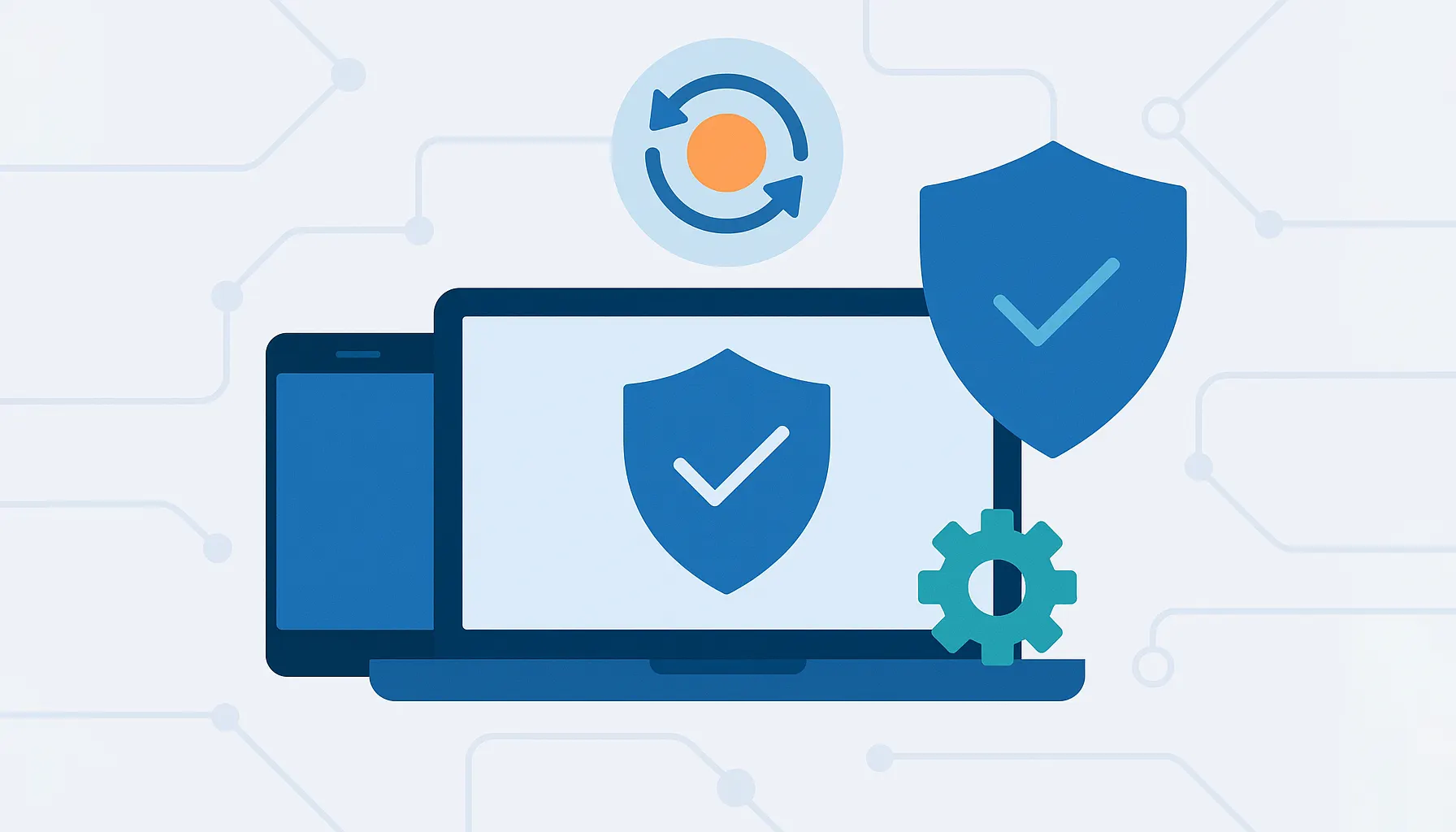
Updates fix bugs, improve performance, close security vulnerabilities, and keep systems running reliably. They’re also a requirement for certifications such as Cyber Essentials, which expects critical updates to be applied within 14 days of release.
Why Installing Updates Really Matters
When updates aren’t installed, devices become slower, less stable, and more vulnerable to attack. Many cyber incidents don’t rely on sophisticated hacking techniques - they exploit known weaknesses that already have updates available.
Delaying updates can leave the digital door wide open to:
- Security breaches and ransomware attacks
- Unexpected crashes or system failures
- Poor performance and lost productivity
- Compliance issues with Cyber Essentials or insurers
Installing updates is one of the simplest and most effective ways to reduce risk across your business.
Updates, Cyber Essentials, and Compliance
If your business is working towards - or maintaining - Cyber Essentials certification, updates are not optional.
Cyber Essentials requires operating systems and software to be kept up to date, with critical security patches applied within 14 days. Falling behind can result in failed assessments, increased insurance premiums, or loss of eligibility for certain contracts.
Regular updates also demonstrate good security hygiene, which is increasingly expected by clients, partners, and insurers.
Automatic vs Manual Updates
The good news is that updates don’t have to disrupt your business.
For most operating systems and applications, your IT team can configure automatic updates. These can be scheduled outside working hours so staff stay protected without interruptions.
However, some specialist applications - such as SAGE and CCH - don’t support fully automatic updates and need to be handled manually.
In these cases, your IT provider can:
- Schedule updates at low-impact times
- Test updates before deployment
- Ensure backups are taken beforehand
- Minimise downtime for staff
This ensures compliance and security without affecting day-to-day operations.
How IT Teams Manage Updates Properly
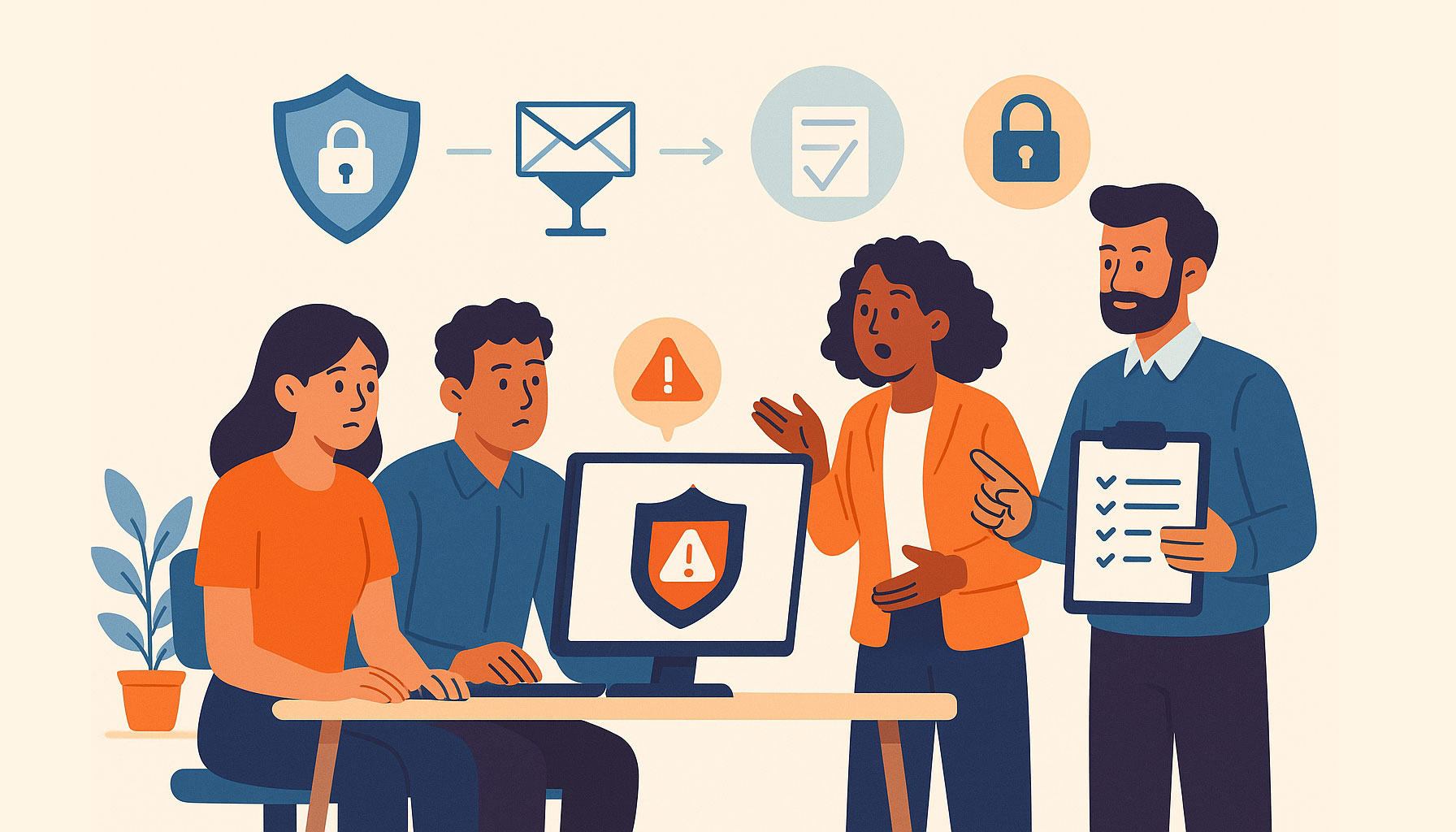
Installing updates isn’t just about clicking “restart later”. A professional IT team manages updates as part of a wider strategy that includes:
- Monitoring update releases and security advisories
- Testing updates before rolling them out
- Scheduling installs outside business hours
- Ensuring devices remain compliant
- Supporting staff if issues arise
This proactive approach keeps systems secure while avoiding unnecessary disruption.
Frequently Asked Questions
Do updates slow down staff computers?
In most cases, no. Updates often improve performance and stability. Temporary slowdowns usually indicate outdated hardware or deeper issues that should be addressed.
Can updates be installed outside working hours?
Yes. Most updates can be scheduled overnight or during maintenance windows to avoid interrupting staff.
What happens if we delay updates?
Delaying updates increases the risk of security breaches, system instability, and compliance failures - especially for Cyber Essentials.
Are updates mandatory for Cyber Essentials?
Yes. Critical updates must be applied within 14 days of release to remain compliant.
Do specialist applications need manual updates?
Some do. Applications like SAGE and CCH often require planned manual updates, which your IT team can manage safely.
Keep Your Business Secure with Proper Update Management
At Telanova, we help businesses across Wokingham, Ascot, Bracknell, Reading and the wider Berkshire region keep their systems secure, compliant, and up to date.
From automated patching to carefully scheduled manual updates, we take the hassle out of update management so your team can stay productive.
Explore our IT support services or call 01344 989 530 to get started.