Estimated reading time: 6-7 minutes
PCs, laptops, thin clients, CPUs, SSDs, USB-C… modern workplaces are full of hardware terms that can quickly feel overwhelming. At telanova, we believe technology should be easy to understand, not buried in jargon.
Whether you’re a business owner, office manager, or part of the leadership team, understanding device and hardware terminology helps you make better decisions when buying equipment, supporting staff, and planning for growth.
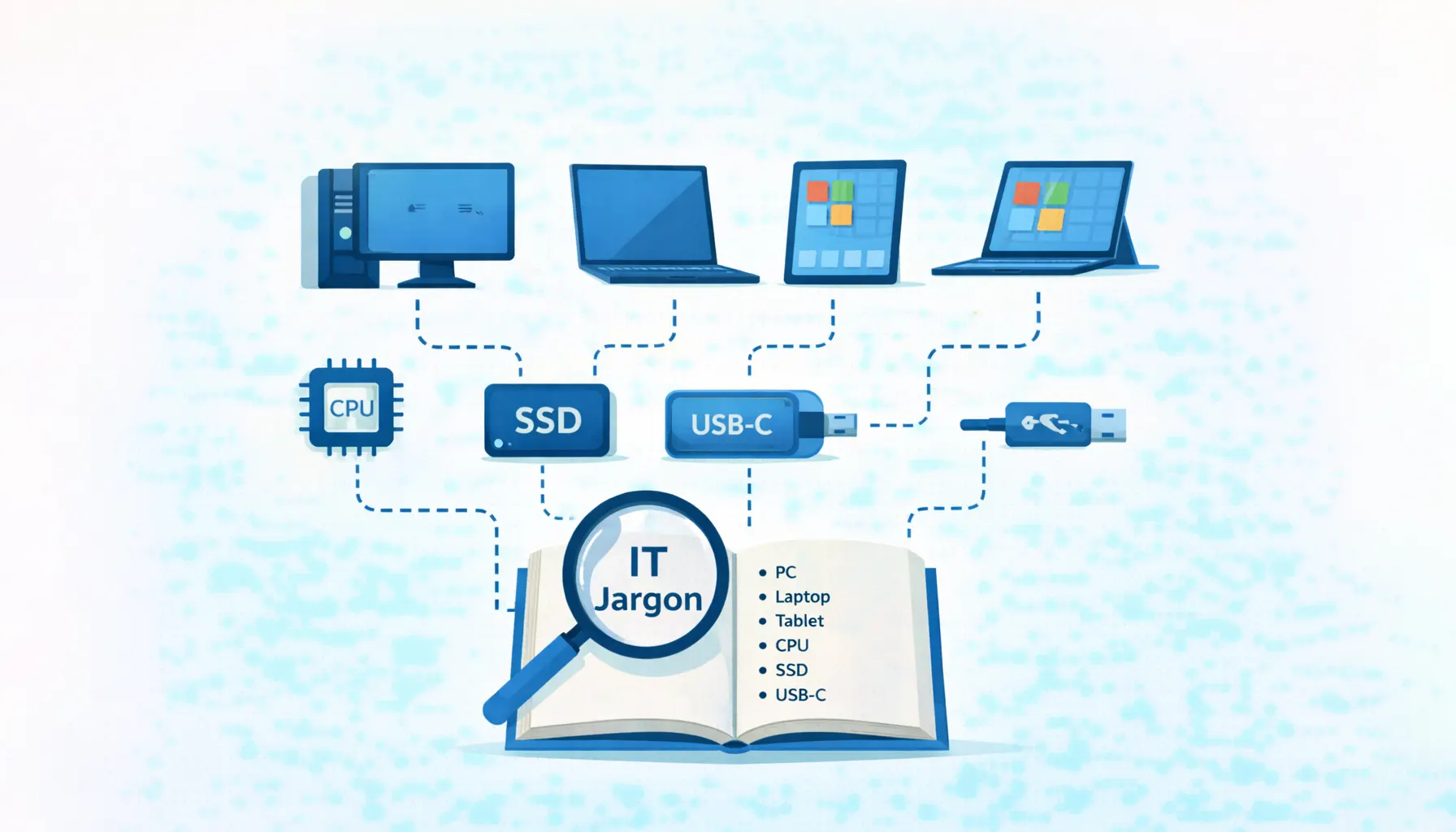
This jargon buster breaks down the most common device and hardware IT terms in clear, plain English.
Types of Computers & Devices
PC (Personal Computer)
A general-purpose computer used for everyday tasks such as email, documents, internet browsing, and business software.
Workstation
A more powerful computer designed for demanding professional work such as video editing, CAD, engineering, or data analysis. Workstations typically include faster processors, more memory, and dedicated graphics cards.
Thin Client
A low-power device designed mainly to connect to a remote desktop or server. Most processing happens on a central server, not on the device itself, making thin clients easier to manage and secure.
Kiosk
A single-purpose computer or terminal, often used in public or customer-facing areas. Examples include visitor sign-in screens, self-service check-in points, or information displays.
Laptop
A portable computer with a built-in screen, keyboard, and trackpad, suitable for both office and remote working.
Notebook
A lighter, more compact laptop designed for basic tasks such as email, web browsing, and document editing.
Tablet
A portable touchscreen device that sits between a smartphone and a laptop. Tablets are commonly used for browsing, media consumption, and light productivity tasks.
2-in-1 Device
A hybrid device that functions as both a laptop and a tablet, usually with a detachable or fold-back keyboard.
Surface
Microsoft’s range of premium touchscreen devices designed to work as both tablets and laptops, running full Windows for productivity and creative work.
Chromebook
A laptop running Google Chrome OS, designed primarily for web-based tasks and cloud applications. Often used in education and lightweight business environments.
Core Hardware Components
CPU (Central Processing Unit)
Often described as the “brain” of the computer. The CPU processes instructions, performs calculations, and manages tasks across the system.
RAM (Random Access Memory)
Short-term memory used by the computer to run applications. More RAM allows smoother multitasking and better performance.
SSD (Solid State Drive)
A fast storage device using flash memory. SSDs offer quicker startup times, faster file access, and better durability than traditional hard drives.
HDD (Hard Disk Drive)
A traditional storage device using spinning magnetic disks. HDDs are cheaper and offer large storage capacity but are slower and more prone to failure than SSDs.
GPU (Graphics Processing Unit)
A specialised processor for handling graphics, video, and visual tasks. Important for design, video editing, and gaming workloads.
PSU (Power Supply Unit)
Supplies power to all internal components by converting electricity from the mains into usable voltages. A reliable PSU is critical for system stability and longevity.
Displays & Video Connections
HDMI
A modern digital connector that carries both high-definition video and audio. Commonly used to connect laptops or PCs to monitors and TVs.
DisplayPort
A high-performance digital video connector mainly used with computers and professional monitors. Often supports higher refresh rates and resolutions than HDMI.
VGA
An older analogue video connector. Largely obsolete but still supported by some monitors for legacy systems.
DVI
An older connector supporting both digital and analogue video. Rarely used in modern setups.
Refresh Rate & Resolution
Refresh rate measures how many times per second a screen updates (Hz). Higher refresh rates mean smoother motion.
Resolution defines screen clarity based on pixel count (e.g. 1920×1080). Higher resolutions produce sharper images.
USB & Connectivity Explained
USB (Universal Serial Bus)
An industry-standard interface used for connecting devices and delivering power.
USB-A
The classic rectangular USB connector found on many older and current devices.
USB-B
A square-shaped connector commonly used for printers and scanners.
Micro-USB
A small connector previously common on smartphones and portable devices. Now largely replaced by USB-C.
Mini-USB
An older, compact USB connector used on legacy devices such as MP3 players.
USB-C
The modern standard supporting power, data transfer, and display output. USB-C is reversible and used on most new laptops, phones, and accessories.
Frequently Asked Questions
What’s the difference between a laptop and a workstation?
Workstations are built for heavy workloads like design or engineering, while laptops are typically general-purpose devices for everyday business use.
Is SSD always better than HDD?
SSDs are faster and more reliable, while HDDs are cheaper and offer larger storage. Many businesses now use SSDs for performance and cloud storage for capacity.
Do all USB-C ports do the same thing?
No. Some USB-C ports support charging and data only, while others also support video output. Capabilities depend on the device and port specification.
Do we need GPUs for office work?
Most office users don’t need dedicated GPUs. They’re mainly required for design, video, and specialist applications.
What’s the biggest hardware mistake small businesses make?
Buying equipment without planning for growth, security, or support. The cheapest option often costs more in downtime later.
Make Hardware Decisions with Confidence
At telanova, we help businesses across Bracknell, Reading, Wokingham, and the surrounding areas choose, configure, and support the right devices for their teams.
From laptops and thin clients to secure Microsoft 365 environments and ongoing IT support, we make sure your hardware works for your business - not against it.
Learn more about our IT support services or call 01344 989 530 to talk to our team.