
Estimated Reading Time: 8 - 9 minutes
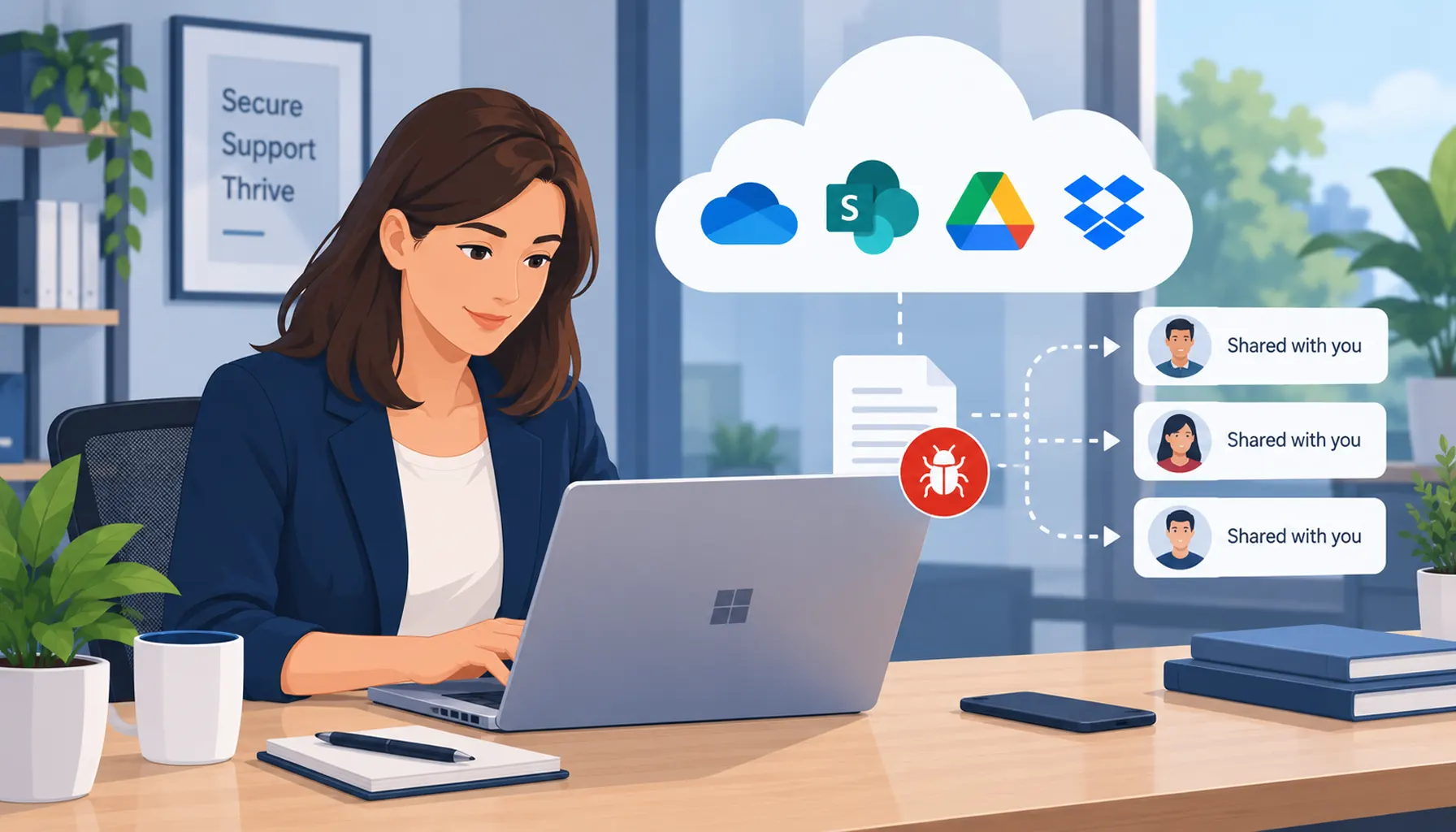
Cloud file sharing tools such as Microsoft OneDrive, SharePoint, Google Drive and Dropbox have transformed the way businesses collaborate. Files can be shared instantly with colleagues, suppliers and customers, wherever they are working.
But cloud file sharing also creates another route that cybercriminals can try to exploit.
Rather than relying solely on suspicious email attachments, malicious websites or other traditional methods, attackers can use cloud file sharing links, compromised accounts and shared files to deliver malware or steal login credentials.
Because employees use cloud sharing services every day, a link to a shared document can feel much more trustworthy than an unexpected attachment. That familiarity can make cloud-based attacks particularly convincing.
In the latest guide in our How Malware Gets In and How to Stop It series, we look at how malware and other cyber threats can reach businesses through cloud file sharing, the warning signs to look for and the practical steps organisations can take to reduce the risk.
Can You Get Malware from Cloud File Sharing?
Yes. A file stored or shared using a cloud platform can still be malicious.
Services such as OneDrive, SharePoint, Google Drive and Dropbox provide security controls of their own, but using a reputable cloud platform does not automatically make every file or link shared through it safe.
An attacker may upload a malicious file, compromise a legitimate user's account, send a convincing fake sharing notification or use a cloud-hosted file as part of a wider phishing attack.
The important distinction is that the cloud storage platform itself does not necessarily have to be compromised. Attackers often exploit the trust people place in the platform, user accounts or shared content.
Why Is Cloud File Sharing Attractive to Attackers?
Cloud collaboration has become part of everyday business activity. Employees routinely receive notifications telling them that a colleague, customer or supplier has shared a document.
Attackers can exploit this normal behaviour because:
- Cloud sharing services are familiar and trusted.
- Users expect to receive links to shared documents.
- A malicious file can be hosted away from the original email.
- A compromised legitimate account can make a malicious share appear genuine.
- External sharing permissions may be broader than the business actually needs.
- Employees may be less suspicious of a cloud link than an unexpected attachment.
This combination of trust, convenience and widespread use makes cloud sharing an attractive route for cybercriminals.
Common Ways Malware Enters Through Cloud File Sharing
There isn't just one type of cloud file sharing attack. Understanding the different methods makes suspicious activity easier to recognise.
1. Infected Files Uploaded to Shared Folders
One of the simplest methods involves placing a malicious file into cloud storage and encouraging somebody else to open it.
The file may arrive from outside the organisation, or it could be uploaded from a device or account that has already been compromised.
Examples can include:
- Office documents containing malicious content.
- Compressed ZIP files containing dangerous files.
- Files disguised as invoices, statements or scanned documents.
- Executable files disguised to appear more familiar or harmless.
Storing the file in the cloud does not mean the malware is actively infecting the cloud platform. The danger occurs when a user downloads, opens or interacts with malicious content and the attack succeeds on their device.
2. Phishing Links Disguised as Cloud Shares
Another common approach is a fake file-sharing notification.
An employee might receive an email claiming that somebody has shared a document with them through Microsoft 365, Google Drive or another familiar platform.
The link could then:
- Take the user to a fake Microsoft or Google login page.
- Attempt to steal their username, password or other credentials.
- Lead to a malicious download.
- Redirect the user through several websites before reaching malicious content.
In these attacks, there may not initially be any malware at all. The attacker's first objective may be to steal the employee's credentials and gain access to their account.
That compromised account can then become the starting point for further attacks.
3. Compromised User Accounts
A cloud sharing attack becomes particularly convincing when it comes from a real account.
If an attacker gains access to a user's Microsoft 365 or other cloud account, they may be able to use that identity to share malicious content with colleagues, customers or suppliers.
This is dangerous because:
- The sender may be somebody the recipient knows.
- The sharing notification may be genuine.
- The link may genuinely point to the organisation's cloud environment.
- Recipients have fewer obvious reasons to suspect the message.
This is why protecting user identities is such an important part of cloud security.
For more information, see our guide to monitoring risky sign-ins in Microsoft 365.
4. Cloud Sync Can Increase the Reach of Malicious Files
Cloud synchronisation can also increase the number of devices on which a malicious or compromised file becomes available.
For example, if a dangerous file is introduced into a folder that synchronises across multiple authorised devices, copies of that file may subsequently be synchronised to those devices.
This does not necessarily mean the malware automatically executes or infects every computer. The outcome depends on the malware, security controls and whether the file is opened or otherwise executed.
However, synchronisation can increase the potential exposure by making malicious content available to more users and devices.
5. Overly Permissive Sharing Settings
Cloud collaboration is designed to make sharing easy, but that convenience needs appropriate controls.
Using anonymous or "anyone with the link" sharing unnecessarily can make it harder to control who has access to business information.
Businesses should consider:
- Who is allowed to share files externally.
- Whether recipients need to authenticate.
- Whether users require view or edit access.
- Whether external users still need access to previously shared content.
- Who can upload or modify files in important shared locations.
Permissions that were appropriate when a project started may no longer be appropriate months or years later.
How Can You Tell If a Cloud Sharing Link Is Suspicious?
A sharing notification should not automatically be trusted simply because it mentions Microsoft, Google, Dropbox or another well-known service.
Warning signs can include:
- You were not expecting the document or file.
- The sender does not normally share files with you.
- The message creates unusual urgency or pressure.
- You are unexpectedly asked to enter your Microsoft or Google credentials.
- The login page or web address does not look right.
- The filename or file type is unusual for the supposed document.
- The sender's message does not make sense in the context of your normal work.
If you're unsure, verify the request with the sender using a trusted communication method rather than replying to the suspicious message or using contact details contained within it.
How to Prevent Malware Through Cloud File Sharing
There is no single control that removes every cloud-based threat. A stronger approach combines identity protection, appropriate sharing permissions, endpoint security, monitoring and user awareness.
1. Enforce Multi-Factor Authentication
Multi-factor authentication (MFA) adds an important additional layer of protection to cloud accounts.
If a password is stolen, an attacker may still need to overcome the additional authentication requirement before they can access the account.
MFA should therefore form part of the basic security configuration for business cloud services, alongside appropriate sign-in controls and monitoring.
It is important to remember that not all MFA methods and attacks are the same. For more information, read Some MFA Methods Are Weaker Than Others.
2. Restrict Sharing Permissions
Apply the principle of least privilege: users should have the level of access they need to perform their role, rather than broader access simply for convenience.
This can include:
- Avoiding anonymous or public sharing where it isn't required.
- Using view-only access when recipients do not need to edit.
- Controlling who can upload or change files.
- Reviewing external users and sharing links regularly.
- Removing access when it is no longer needed.
This can reduce both security risk and accidental exposure of business information.
3. Control Macros and Potentially Dangerous Files
Businesses should have appropriate controls around files capable of executing malicious content.
Depending on the environment, this can include:
- Blocking macros originating from the internet where appropriate.
- Using trusted or digitally signed macros where macros are genuinely required.
- Controlling potentially dangerous file types.
- Keeping Microsoft Office and other applications updated.
- Teaching users not to bypass security warnings simply to open a document.
4. Use Modern Endpoint and Cloud Security
Traditional antivirus remains one layer of protection, but businesses increasingly need security controls that consider identities, devices, email, links and cloud activity together.
Depending on the Microsoft 365 environment and licensing in use, security controls can help identify malicious files, suspicious links, risky sign-ins and unusual behaviour.
Managed devices should also be appropriately protected and kept up to date.
Our guide to keeping business devices secure explains how device compliance and Microsoft Intune can form part of this wider approach.
5. Train Users to Recognise Cloud-Based Threats
Security awareness should go beyond traditional email attachments.
Employees should understand that:
- A cloud link can still lead to malicious content.
- A familiar Microsoft or Google login screen can be faked.
- A message from a known contact can still be dangerous if their account has been compromised.
- Unexpected file-sharing notifications should be checked before opening them.
- They should ask for help when something does not look right.
A user who recognises something unusual and reports it early can prevent a suspicious message becoming a much larger incident.
6. Monitor and Audit Cloud Activity
Businesses should maintain appropriate visibility over their cloud environment rather than relying solely on users to identify problems.
Depending on the systems in use, useful activity to review can include:
- Unexpected external sharing.
- Unusual sign-in activity.
- Changes to sensitive files or folders.
- Unexpected downloads or access patterns.
- Changes to sharing permissions.
Earlier detection provides an opportunity to investigate suspicious behaviour before it develops into a wider security incident.
What Should You Do If You Open a Suspicious Cloud File?
If you believe you have opened a malicious file or entered your credentials into a suspicious cloud login page, report it to your IT team or IT support provider immediately.
Do not wait to see whether anything happens.
Depending on what occurred, appropriate action may include securing the affected account, reviewing recent sign-in activity, checking the device, changing compromised credentials, investigating files or links involved and reviewing whether other users received the same content.
If a work device may have been compromised, follow your organisation's incident procedure rather than attempting to investigate or remove the malware yourself.
How Telanova Helps Protect Against Cloud Sharing Threats
Cloud collaboration should make it easier for employees to work together without unnecessarily increasing security risk.
Telanova helps businesses put appropriate controls around their cloud platforms, identities and devices.
Securing Cloud Platforms
We help clients configure platforms such as Microsoft 365 and Google Workspace so that cloud sharing supports the way the business needs to work while maintaining appropriate controls.
This can include:
- Reviewing external sharing.
- Applying appropriate access permissions.
- Reducing unnecessary anonymous or overly permissive access.
- Applying the principle of least privilege to shared resources.
Identity and Access Protection
Because compromised accounts can be used to make malicious activity appear legitimate, protecting user identities is an important part of the overall security approach.
This can include:
- Multi-factor authentication.
- Appropriate access controls.
- Monitoring risky or unusual sign-ins.
- Helping reduce credential-related security risks.
Device and Security Management
Cloud security does not stop at the cloud platform. The laptops and computers accessing company information also need appropriate protection.
We help clients manage security controls across their devices and Microsoft environments, helping to keep systems appropriately configured, protected and maintained.
User Security Awareness
Technology alone cannot prevent every attack. Employees also need to understand the techniques attackers use.
User guidance and security awareness can help employees recognise suspicious cloud-sharing links, fake login pages, unexpected sharing notifications and other common warning signs.
Ongoing Review and Improvement
Cloud environments and cyber threats continue to change, so security should not be treated as a one-off configuration exercise.
Sharing settings, external access, user accounts, devices and security controls should be reviewed and adjusted as the organisation changes.
More From Our How Malware Gets In Series
Cloud file sharing is only one of the routes malware and other cyber threats can use to reach a business.
Our How Malware Gets In and How to Stop It series looks at the different ways attacks can begin, how those attacks work and the practical steps businesses can take to reduce the risk.
- How Malware Gets In and How to Stop It – Email-Based Threats
- How Malware Gets In and How to Stop It: Web-Based Threats
- How Malware Gets In and How to Stop It: USB-Based Threats
- How Malware Gets In and How to Stop It: Hacking & Exploits
Frequently Asked Questions
Can OneDrive or SharePoint files contain malware?
Yes. Although Microsoft provides security protections around its cloud services, a malicious or compromised file can still be stored or shared using OneDrive or SharePoint. Users and organisations should not assume a file is safe solely because it is being delivered through a trusted cloud platform.
Can Google Drive or Dropbox links be malicious?
A legitimate Google Drive or Dropbox link can be used to share a malicious file, while attackers can also create phishing messages designed to imitate genuine cloud-sharing notifications. Unexpected sharing links should therefore be treated with appropriate caution regardless of the platform mentioned.
Can malware spread through OneDrive or cloud synchronisation?
A malicious or compromised file placed in a synchronised folder may become available on other devices connected to that location. This does not mean the malware will automatically execute on every device, but synchronisation can increase the number of users and devices exposed to the malicious file.
Is a cloud link safer than an email attachment?
Not automatically. Cloud sharing can provide useful security and access controls, but attackers can also use cloud-hosted files and fake sharing notifications. Users should consider who sent the link, whether they expected it and what they are being asked to open or sign into.
Does MFA stop cloud file sharing attacks?
MFA can significantly strengthen account security and make stolen passwords less useful to attackers, but it does not prevent every type of cloud-sharing attack. Businesses should combine MFA with appropriate sharing controls, device security, monitoring and user awareness.
What should I do if I clicked a suspicious OneDrive, SharePoint or Google Drive link?
Report it to your IT team or IT support provider as soon as possible. If you entered login credentials, downloaded a file or opened suspicious content, tell them exactly what happened so they can take appropriate steps to secure the account and check the affected device.
Final Thoughts
Cloud file sharing is essential for many modern businesses, but trusted platforms can still be exploited as part of a cyber attack.
The risk is not simply the technology itself. Attackers can exploit trusted identities, familiar sharing notifications, inappropriate permissions and user behaviour to make malicious activity appear legitimate.
By combining sensible sharing controls, strong identity protection, managed devices, security monitoring and ongoing user awareness, businesses can continue to benefit from cloud collaboration while reducing the opportunities available to attackers.
Need Help Securing Your Cloud Environment?
If you're unsure whether your Microsoft 365, cloud sharing or device security is configured appropriately, Telanova can help review your environment and identify where protections could be improved.
Our team can help with Microsoft 365 security, identity and access controls, managed devices, cloud configuration and ongoing business IT support.